SOFTWARE PLAYER / WINDOWS 11

HD DVD Software Player

Coming soon for Windows 11: a modern HD DVD Revival player designed for commercial HD DVD discs, Standard Content and Advanced Content / HDi.

After nearly 18 years without active development of a dedicated HD DVD software player, HD DVD Revival is bringing the format back to a current Windows environment while preserving the original disc experience as the target.

PlatformWindows 11
MediaDisc · Folder · ISO
HD DVD modesStandard + Advanced / HDi
StatusComing Soon
A NEW PLAYER FOR THE FORMAT

Commercial HD DVD playback on a modern Windows system.

The HD DVD Revival player is being developed to read the structures found on original commercial releases rather than treating HD DVD as a collection of ordinary media files.

The objective is a single Windows 11 application able to open a physical HD DVD, an extracted disc folder or an ISO image and preserve the navigation behaviour of both principal HD DVD content models.

The current playback path also includes 2-bit bitmap subtitles, automatic film-cadence handling for 3:2 material and interactive Advanced Content / HDi navigation. Additional subtitle and presentation modes remain under active development.

ONE PLAYER · BOTH CONTENT MODELS

Standard Content and Advanced Content together.

The two former website sections are now presented together because the software player is intended to handle both sides of the HD DVD format.

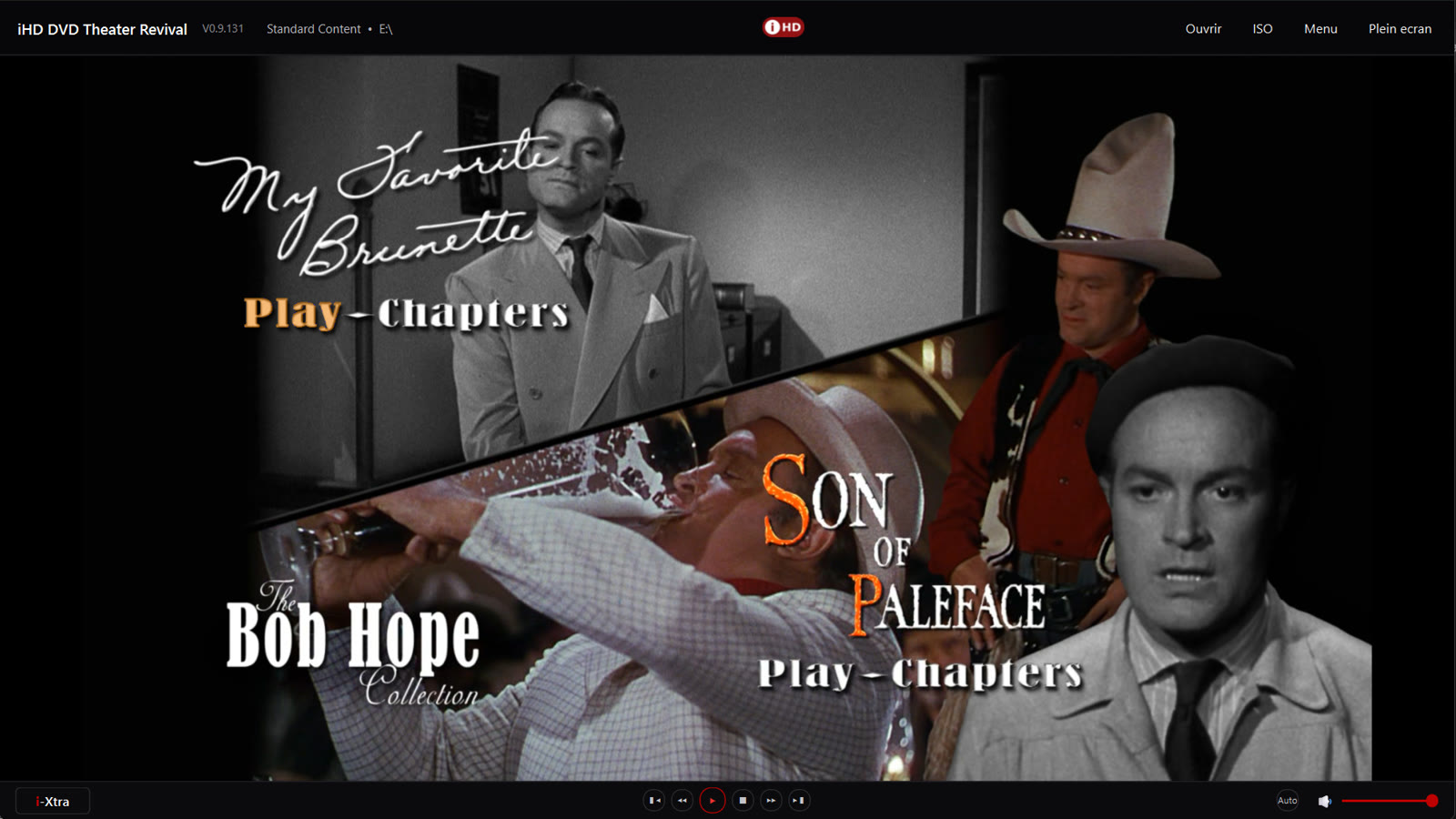
01 / STANDARD

HD DVD Standard Content

Conventional authored-disc playback with titles, chapters, menus, selectable audio, subtitles and navigation built around the HD DVD disc structure.

  • Commercial Standard Content titles
  • Menu and chapter navigation
  • Physical disc, HVDVD_TS folder and ISO workflows
  • Original HD DVD audio/video presentation preserved as the playback target
02 / ADVANCED

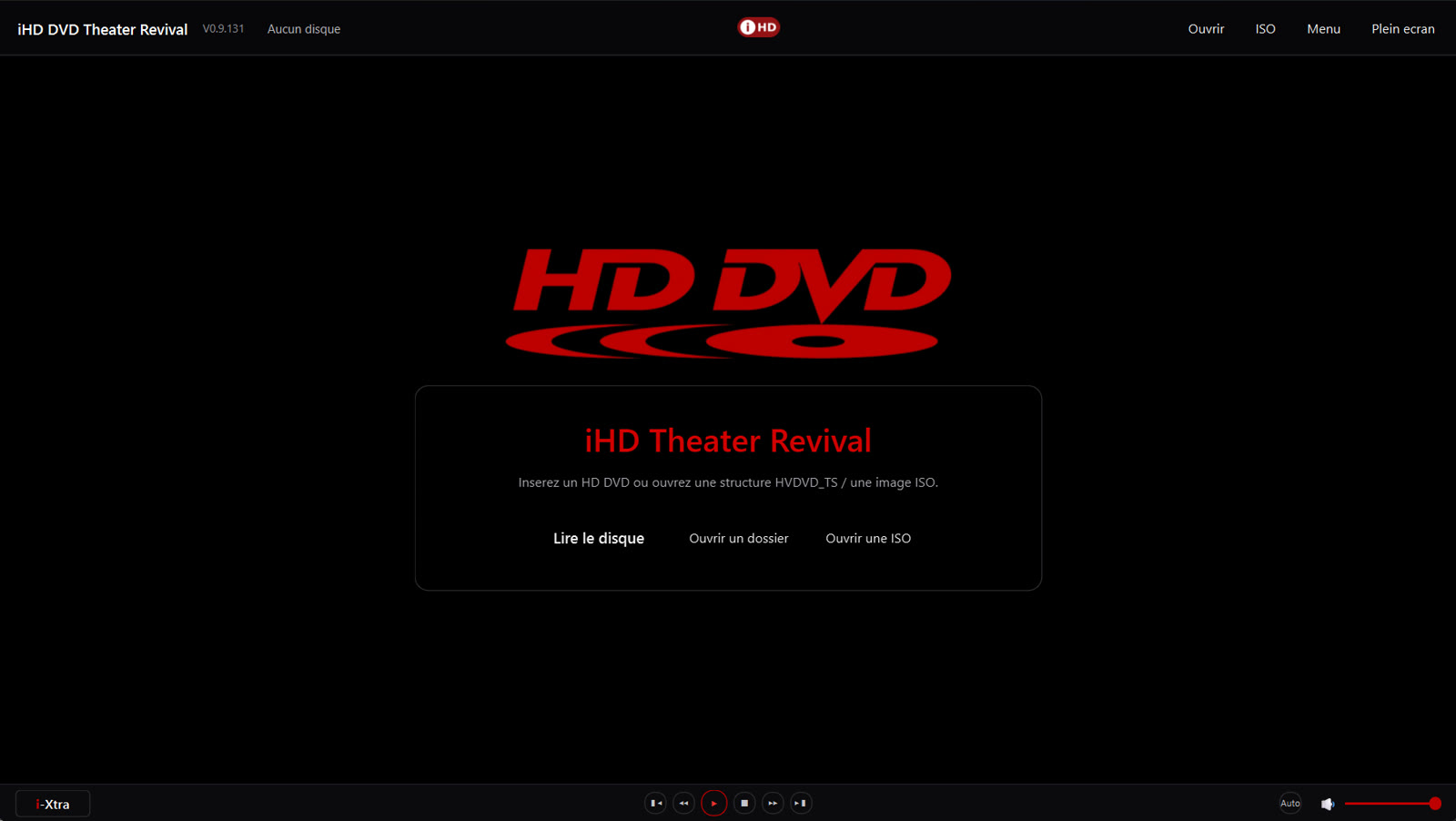
HD DVD Advanced Content / HDi

Interactive commercial titles using playlists, application presentation, dynamic menus and the HDi runtime model that distinguished many HD DVD releases.

  • Commercial Advanced Content / HDi titles
  • Interactive menus and application-driven navigation
  • Primary playback with authored on-screen presentation
  • Disc structures, folders and ISO images under active development
PLAYBACK ENGINE & COMPATIBILITY

Built around the behaviour of real HD DVD releases.

The player is developed as a standalone Windows 11 application for HD DVD playback and interaction, with the disc structure itself driving navigation, cadence and presentation.

SUBTITLES

2-bit today. 8-bit next.

Bitmap subtitle rendering includes 2-bit HD DVD subpictures in the current player. Support for 8-bit subtitle presentation is planned as the subtitle engine continues to expand.

FILM CADENCE

Automatic 3:2 / 24p handling.

HD DVD playback timing is respected, including 29.97 Hz presentations that carry a 3:2 film cadence. Automatic mode can recover the 23.976 / 24p presentation when appropriate, while manual Auto, 24p and 30p choices remain available.

INDEPENDENT PLAYER

No separate legacy HD DVD player required.

HD DVD Revival runs as its own Windows application. It does not require a separate player application such as VLC and is not a wrapper around a discontinued commercial HD DVD playback program.

COMMERCIAL DISC TESTING

Standard, Advanced Content and HDi interactions.

Compatibility development uses real commercial HD DVD releases from studios including Universal, Warner Bros., DreamWorks, Paramount, StudioCanal and Monolith Video. Testing covers authored menus, interactive HDi / Advanced Content behaviour and transition into feature playback.

Studio and product names are cited only to identify commercial discs used during compatibility testing. Their mention does not imply affiliation, sponsorship or certification.

VIDEO PREVIEWS

The player in motion.

Short development recordings showing menu navigation and playback behaviour. Controls are provided so the demonstrations only play when requested.

PREVIEW 01

Standard Content navigation

Navigation between a commercial main menu and chapter-selection screens in the current player.

PREVIEW 02

Commercial disc menu and playback

A second Standard Content example showing a different authored commercial menu and transition into playback.

PREVIEW 03

Advanced Content / HDi

An Advanced Content session showing the player entering an interactive commercial title and continuing into the feature presentation.

PREVIEW 04

Advanced Content playback & i-Xtra

Commercial Advanced Content playback in the current player, with the i-Xtra information overlay showing disc, video, cadence and audio information.

PREVIEW 05

Advanced Content / HDi menu navigation

A commercial HD DVD Advanced Content menu running in the Windows player, including authored navigation between film, audio, chapters and supplements.

COMING SOON

HD DVD playback for Windows 11.

The software is still under active development. Public release information will be published on HD DVD Revival when the player is ready for wider distribution.

Development status

Windows 11 · Private development build

Current testing covers real commercial Standard Content and Advanced Content / HDi structures, menu behaviour and playback integration.

COMMUNITY / REDDIT

Join the HD DVD Player discussion.

Want to follow the project, share feedback or discuss HD DVD playback on Windows 11? A community discussion is available on the r/HDDVD subreddit.

This discussion is hosted on Reddit and is separate from the official HD DVD Revival website.